AI voice generators are tools that use artificial intelligence to create realistic and natural-sounding voices from text input. They can be used for various purposes, such as creating voiceovers, podcasts, audiobooks, videos, and more. AI voice generators are also useful for enhancing accessibility, learning languages, and personalizing content.
However, not all AI voice generators are created equal. Some offer more features, better quality, and more customization options than others. To help you choose the best AI voice generator for your needs, we have compiled a list of the top 10 AI voice generators of 2024, based on criteria such as voice quality, voice variety, ease of use, pricing, and customer support.
Here are the top 10 AI voice generators of 2024, ranked from best to worst:
1. LovoAI
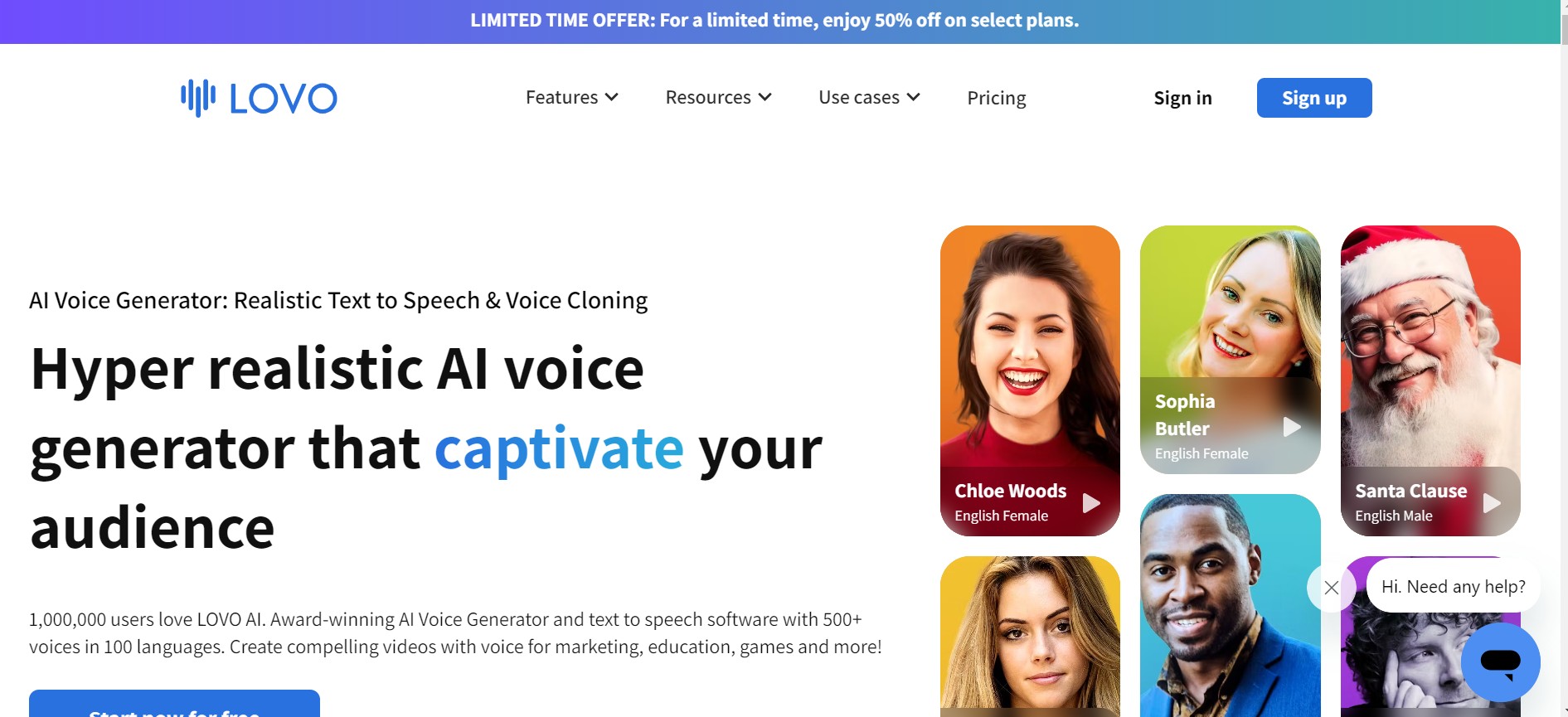
LovoAI is the best AI voice generator of 2024, offering a complete package for content creators. LovoAI has over 500 AI voices, available in more than 100 languages and 20 emotions. You can also create your own custom voice by providing your own voice sample or tweaking the existing voices. LovoAI also offers AI art and text generation with its Pro plans, allowing you to create stunning visuals and engaging texts to accompany your voiceovers. LovoAI has a user-friendly interface, a pronunciation editor, and a video editing feature that lets you edit your videos while generating voiceovers. LovoAI has a generous free plan that gives you 10 minutes of voice generation per month, and a Pro plan that starts from $9.99 per month.
2. Murf
Murf is the second-best AI voice generator of 2024, offering high-quality voices and a feature-loaded free plan. Murf has over 120 AI voices, available in 15 languages and 10 emotions. You can also customize the voices by adjusting the speed, pitch, emphasis, and pronunciation. Murf has a simple and intuitive interface, a collaboration feature that lets you share and edit your projects with others, and a video sync feature that automatically matches your voiceover with your video. Murf has a free plan that gives you unlimited voice generation, 3 users, and 5 GB of storage per month, and a Premium plan that starts from $19 per month.
3. Altered
Altered is the third-best AI voice generator of 2024, offering a unique feature that lets you edit your own voice instead of using an AI voice. Altered has tools such as an AI cleaner, an AI denoiser, an AI compressor, and an AI reverb that can enhance your voice and make it sound like it was recorded in a studio. Altered also has a voice changer feature that lets you modify your voice by changing the gender, age, accent, and emotion. Altered has a sleek and modern interface, a voice recorder feature that lets you record your voice directly on the platform, and a voice library feature that lets you store and manage your voice files. Altered has a free plan that gives you 10 minutes of voice editing per month, and a Pro plan that starts from $29 per month.
4. VoiceOverMaker
VoiceOverMaker is the fourth-best AI voice generator of 2024, offering the easiest text-to-speech editor we have tried. VoiceOverMaker has over 300 AI voices, available in 40 languages and 10 emotions. You can also fine-tune the voices by changing the volume, speed, pitch, and pause. VoiceOverMaker has a simple and clean interface, a screen recorder feature that lets you capture content for your voiceovers, and a voice assistant feature that lets you control the platform with your voice. VoiceOverMaker has a free plan that gives you 5 minutes of voice generation per month, and a Premium plan that starts from $9.99 per month.
5. Synthesia
Synthesia is the fifth-best AI voice generator of 2024, offering a popular video editor that also comes with stellar voice editing features. Synthesia has over 100 AI voices, available in 35 languages and 5 emotions. You can also create your own custom voice by uploading your own voice sample or choosing from the existing voices. Synthesia also has a feature that lets you create avatars that look like real humans to act out your voiceovers, adding a touch of realism and personality to your videos. Synthesia has a professional and elegant interface, a video library feature that lets you store and manage your video files, and a video analytics feature that lets you track the performance of your videos. Synthesia has a free plan that gives you 10 minutes of voice generation per month, and a Pro plan that starts from $49 per month.
6. Voiser
Voiser is the sixth-best AI voice generator of 2024, offering a fantastic combo of a text-to-speech editor and a speech-to-text editor. Voiser has over 200 AI voices, available in 30 languages and 5 emotions. You can also adjust the voices by changing the speed, pitch, and tone. Voiser also has a feature that lets you convert your voice into text, which can be useful for transcription, translation, and captioning. Voiser has a minimal and elegant interface, a voice tester feature that lets you try out the voices before purchasing a plan, and a voice chat feature that lets you talk with other users on the platform. Voiser also offers best-in-class customer support over WhatsApp, which is rare among AI voice generators. Voiser has a free plan that gives you 5 minutes of voice generation per month, and a Premium plan that starts from $19 per month.
7. Listnr
Listnr is the seventh-best AI voice generator of 2024, offering one of the largest databases of voices compared to all the other tools on the market. Listnr has over 900 AI voices, available in 50 languages and 10 emotions. You can also customize the voices by changing the speed, pitch, emphasis, and pronunciation. Listnr has a simple and colorful interface, a voice tester feature that lets you try out the voices before purchasing a plan, and a podcast feature that lets you create and distribute your own podcasts on the platform. Listnr has a free plan that gives you 1 hour of voice generation per month, and a Pro plan that starts from $29 per month.
8. KitsAI
KitsAI is the eighth-best AI voice generator of 2024, offering one of the best AI voice generators for musicians. KitsAI lets you convert your vocals into an instrumental tune or separate voices from soundtracks to mix and match. KitsAI also has a feature that lets you create your own music genre by combining different elements such as tempo, rhythm, melody, and harmony. KitsAI has a fun and creative interface, a music library feature that lets you store and manage your music files, and a music community feature that lets you share and discover new music on the platform. KitsAI has a free plan that gives you 10 minutes of voice generation per month, and a Pro plan that starts from $19 per month.
9. Uberduck
Uberduck is the ninth-best AI voice generator of 2024, offering a first-rate AI voice editing tool for musicians. Uberduck lets you create rap music online, using AI voices that mimic famous rappers such as Eminem, Drake, Kanye West, and more. Uberduck also has a feature that lets you create your own rap lyrics, using AI models that generate rhymes, flows, and wordplay. Uberduck has a cool and hip interface, a rap library feature that lets you store and manage your rap files, and a rap battle feature that lets you challenge and compete with other users on the platform. Uberduck has a free plan that gives you 5 minutes of voice generation per month, and a Pro plan that starts from $29 per month.
10. Speechify
Speechify is the tenth-best AI voice generator of 2024, offering a great tool for accessibility and learning. Speechify lets you convert any text into speech, such as books, articles, emails, and more. Speechify also has a feature that lets you learn a new language by listening to AI voices that speak in different languages and accents. Speechify has a simple and accessible interface, a voice recorder feature that lets you record your own voice and convert it into text, and a voice library feature that lets you store and manage your voice files. Speechify has a free plan that gives you unlimited voice generation, and a Premium plan that starts from $9.99 per month.
Conclusion
AI voice generators are amazing tools that can help you create realistic and natural-sounding voices from text input. They can be used for various purposes, such as creating voiceovers, podcasts, audiobooks, videos, and more. AI voice generators are also useful for enhancing accessibility, learning languages, and personalizing content.
However, not all AI voice generators are created equal. Some offer more features, better quality, and more customization options than others. To help you choose the best AI voice generator for your needs, we have compiled a list of the top 10 AI voice generators of 2024, based on criteria such as voice quality, voice variety, ease of use, pricing, and customer support.
We hope this guide has helped you find the best AI voice generator for your needs. If you have any questions or feedback, please feel free to leave a comment below. Thank you for reading!
FAQs
Here are some FAQs about this article:
- Q: What is an AI voice generator?
- A: An AI voice generator is a tool that uses artificial intelligence to create realistic and natural-sounding voices from text input.
- Q: What are the benefits of using an AI voice generator?
- A: AI voice generators can be used for various purposes, such as creating voiceovers, podcasts, audiobooks, videos, and more. AI voice generators are also useful for enhancing accessibility, learning languages, and personalizing content.
- Q: How do I choose the best AI voice generator for my needs?
- A: You can choose the best AI voice generator for your needs by considering criteria such as voice quality, voice variety, ease of use, pricing, and customer support. You can also check out our list of the top 10 AI voice generators of 2024, which ranks them based on these criteria.
- Q: How do I use an AI voice generator?
- A: To use an AI voice generator, you need to have a text input that you want to convert into speech. You can then select an AI voice that suits your needs, and adjust the settings such as speed, pitch, and emotion. You can also edit the pronunciation and add pauses if needed. Once you are satisfied with the result, you can download or export the voice file in your preferred format.
- Q: How much does an AI voice generator cost?
- A: The cost of an AI voice generator depends on the plan and features that you choose. Most AI voice generators offer a free plan that gives you a limited amount of voice generation per month, and a premium plan that gives you more features and voice generation. The premium plans vary in price, ranging from $9.99 to $49 per month.
- Q: Are AI voice generators legal?
- A: AI voice generators are legal as long as you use them for lawful and ethical purposes. You should not use AI voice generators to impersonate, deceive, or harm anyone, or to violate any intellectual property rights or privacy laws. You should also give proper credit and attribution to the source of the text and the voice generator that you use.
- Q: Are AI voice generators safe?
- A: AI voice generators are safe as long as you use them from reputable and trusted platforms. You should avoid using AI voice generators from unknown or suspicious sources, as they may contain malware or viruses that can harm your device or data. You should also check the privacy policy and terms of service of the AI voice generator that you use, and make sure that they respect your data and rights.
- Q: How do I create my own custom voice with an AI voice generator?
- A: Some AI voice generators allow you to create your own custom voice by providing your own voice sample or tweaking the existing voices. For example, LovoAI lets you create your own custom voice by uploading a voice sample of at least 10 minutes, or by adjusting the parameters of the existing voices. You can then use your custom voice for any purpose that you want.
- Q: How do I improve the quality of my voiceovers with an AI voice generator?
- A: To improve the quality of your voiceovers with an AI voice generator, you can follow some tips such as:
- Choose a clear and concise text input that conveys your message effectively.
- Choose an AI voice that matches your tone, style, and audience.
- Adjust the settings such as speed, pitch, and emotion to suit your purpose and mood.
- Edit the pronunciation and add pauses to make the voice sound more natural and fluent.
- Use a good microphone and headphones to record and listen to your voiceovers.
- Review and edit your voiceovers before publishing or sharing them.
- A: To improve the quality of your voiceovers with an AI voice generator, you can follow some tips such as:
- Q: How do I learn more about AI voice generators and their applications?
- A: To learn more about AI voice generators and their applications, you can check out some resources such as:
- [The Ultimate Guide to AI Voice Generators], which covers everything you need to know about AI voice generators, from the basics to the advanced topics.
- [The Best AI Voice Generators for Different Use Cases], which showcases some examples of how AI voice generators can be used for different purposes, such as education, entertainment, marketing, and more.
- [The Future of AI Voice Generators], which explores some trends and predictions about how AI voice generators will evolve and impact the world in the future.
- A: To learn more about AI voice generators and their applications, you can check out some resources such as: