Video is one of the most powerful and engaging forms of content on the internet. According to a report by Cisco, video will account for 82% of all internet traffic by 2022. However, creating high-quality and appealing videos can be challenging, time-consuming, and expensive. That’s where AI video editors come in handy.
AI video editors are online tools that use artificial intelligence to help you create and edit videos faster and better. They can automate various tasks such as generating scripts, adding voiceovers, removing background noise, cutting out silences, and more. They can also enhance your videos with features such as transitions, music, subtitles, and animations. With AI video editors, you can turn your ideas into compelling videos with minimal effort and cost.
In this blog post, we will show you how to use AI video editors to boost your video quality and appeal. We will also answer some frequently asked questions about AI video editing.
How to use AI video editors
There are many AI video editors available online, each with different features and capabilities. Some of the most popular ones are:
- Kapwing: Kapwing is an AI video editor that lets you create and edit videos with text prompts, images, and voiceovers. You can also use Kapwing to generate video slideshows, remove video background, add subtitles, and more.
- Invideo: Invideo is an AI video editor that lets you create and edit videos with text commands. You can also use Invideo to convert articles into videos, generate B-roll footage, add voiceovers, and more.
- Veed: Veed is an AI video editor that lets you create and edit videos with text to speech, avatars, and voice translations. You can also use Veed to add subtitles, remove background noise, and more.
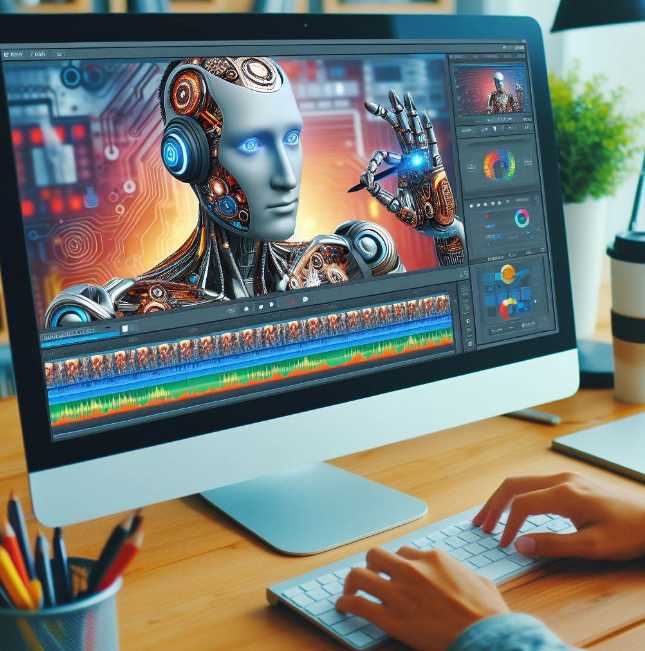
To use AI video editors, you need to follow these general steps:
- Choose an AI video editor that suits your needs and preferences. You can compare the features and prices of different AI video editors online.
- Sign up or log in to the AI video editor of your choice. Most AI video editors offer free trials or plans with limited features. You can upgrade to a paid plan if you need more advanced features or storage space.
- Start a new project or choose a template. Most AI video editors have a library of templates that you can use for different purposes and platforms. You can also start from scratch and customize your video as you wish.
- Enter your text prompt or command. Depending on the AI video editor you are using, you can enter a topic, a script, a summary, or a command to generate your video. The AI video editor will then use its algorithms to create a video based on your input.
- Edit your video. You can preview your video and make changes as you like. You can add, delete, or modify scenes, text, images, audio, and other elements. You can also use the AI video editor’s features to enhance your video quality and appeal.
- Export and share your video. Once you are satisfied with your video, you can export it in your preferred format and resolution. You can also share your video directly to your social media platforms or download it to your device.
FAQs about AI video editing
Here are some of the most common questions that people have about AI video editing:
- Q: What are the benefits of using AI video editors?
- A: AI video editors can help you save time, money, and effort in creating and editing videos. They can also help you improve your video quality and appeal by using advanced features and techniques.
- Q: What are the limitations of using AI video editors?
- A: AI video editors are not perfect and may not always produce the results that you want. They may also have some technical issues or glitches that can affect your video quality and performance. You may also need to have a stable internet connection and a compatible device to use AI video editors.
- Q: How much do AI video editors cost?
- A: The cost of AI video editors varies depending on the features, storage, and support that they offer. Some AI video editors are free or have free trials or plans with limited features. Others have paid plans that range from a few dollars to hundreds of dollars per month or year.
- Q: How secure are AI video editors?
- A: The security of AI video editors depends on the policies and practices of the providers. You should always read the terms and conditions and the privacy policy of the AI video editor that you are using. You should also check the reviews and ratings of the AI video editor from other users and experts.
- Q: How can I learn more about AI video editing?
- A: You can learn more about AI video editing by reading blogs, articles, tutorials, and guides online. You can also watch videos, podcasts, and webinars that showcase the features and benefits of AI video editing. You can also join online communities and forums where you can ask questions and share your experiences with other AI video editors.